Feature · Intelligent dashboard
Every DNO job by stage, and what needs you today.
What needs you today, then every job by stage in the Workflow view: its deadline, the DNO's latest reply and an Approval ETA while you wait.
First job free. No card to start.
What it is
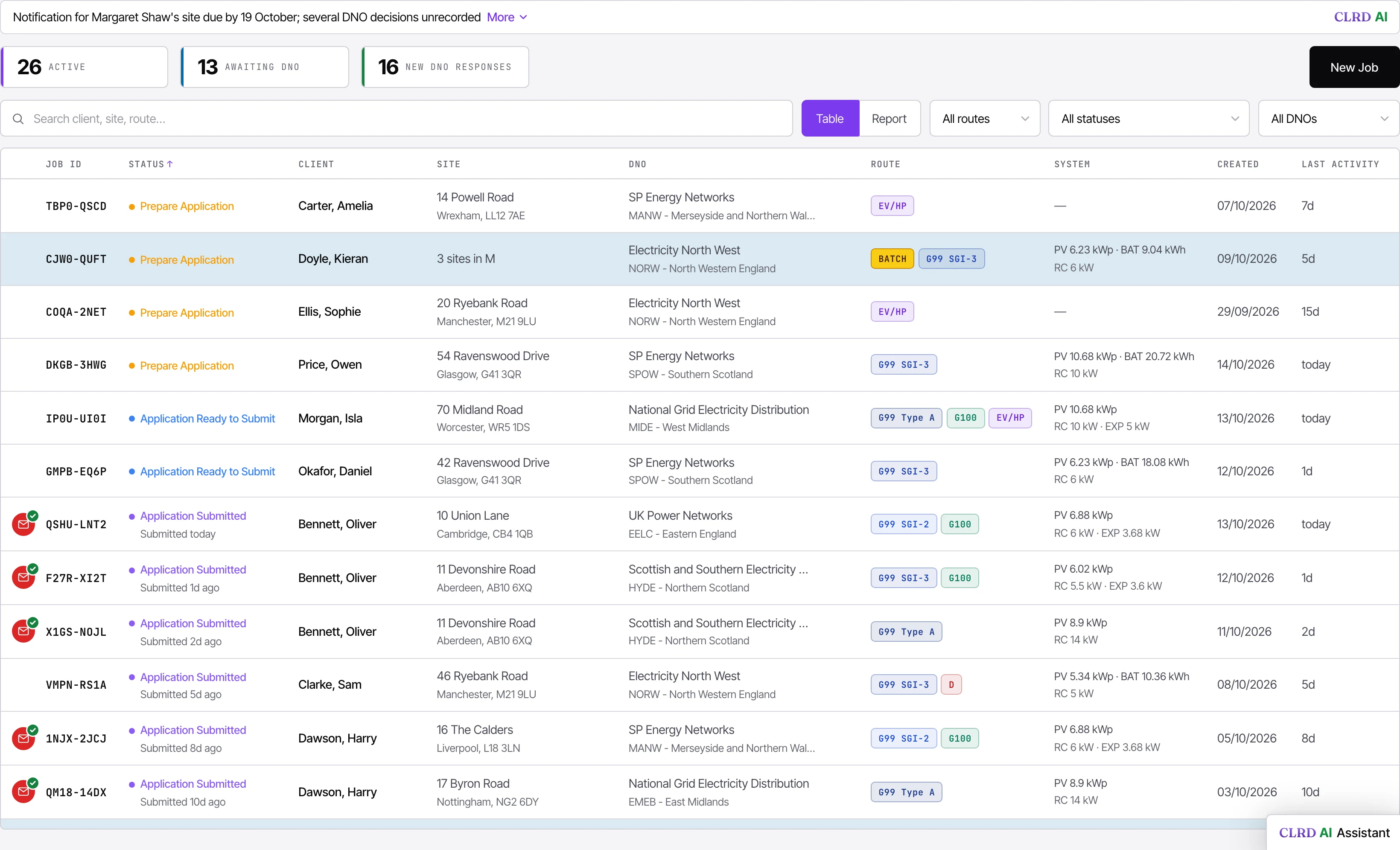
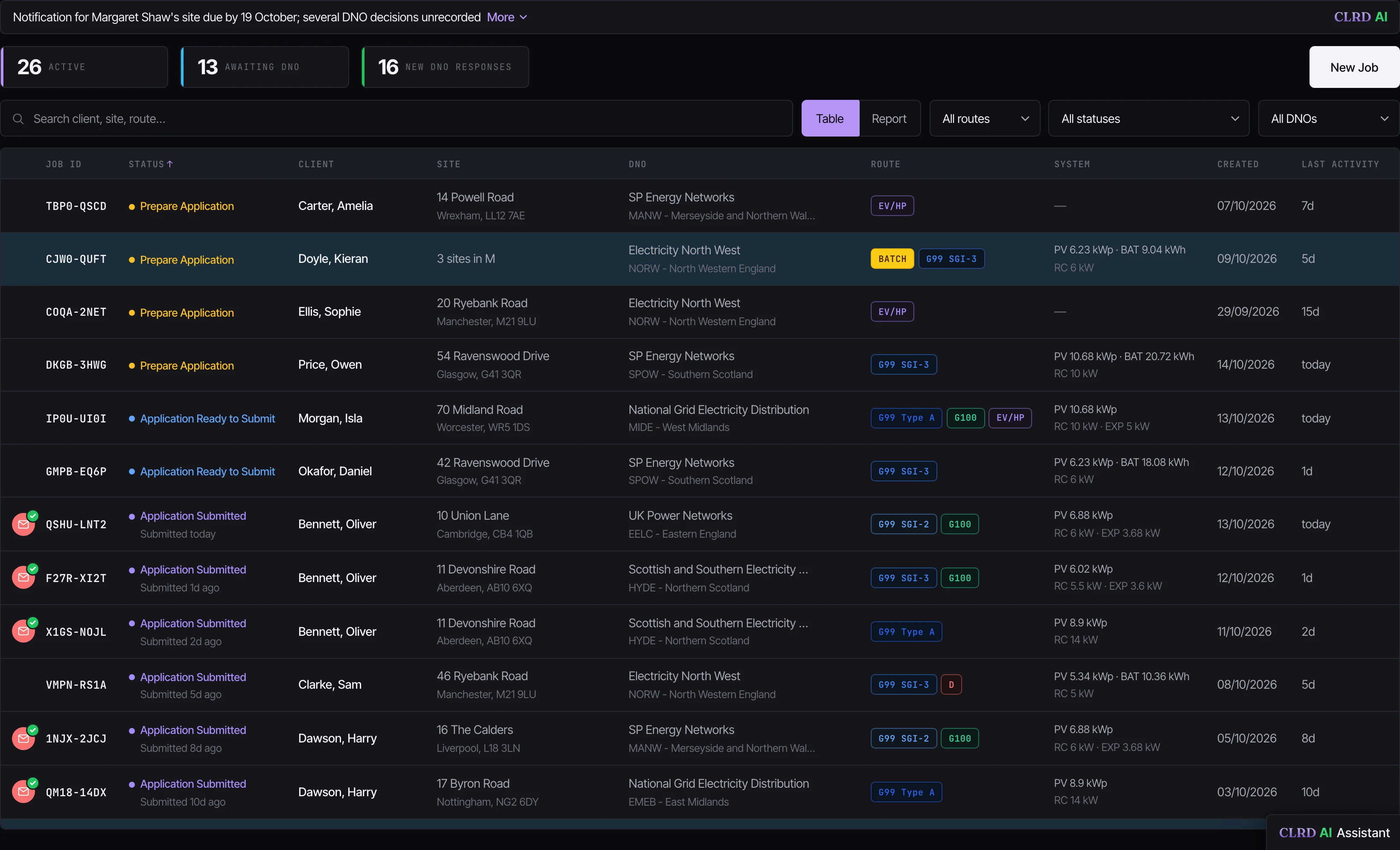
Open CLRD and the first line tells you what needs you today, written in plain English: three notifications past their deadline, a DNO waiting on an answer, an approval to confirm. Below it, every active job on one screen, each with its status, the DNO and route it's on, and a countdown to the deadline that matters next. Switch to the Workflow view and every job sits under its stage, from Not sent yet to Complete, with what it needs next: an Approval ETA while you wait, Amend by, Notify by.
Why it matters
The costly misses are the quiet ones: a notification that slips past its 28 days, an approval that lapses before the install, a DNO question nobody saw. Spotting them used to mean scrolling every job, every morning. The dashboard does the scrolling and tells you where to start.
Designed for submissions at scale, and on every plan.
- An AI summary of what needs you today, with each standout tagged: a decision, a deadline, an unread reply, a stopped job.
- Refreshed once a day at most, only when your jobs change. Customer details are disguised before they leave the platform, and it changes nothing.
- Countdowns on every job: Notify within the 28 days after commissioning, Install within the DNO approval's validity.
- A quiet DNO is flagged: no acknowledgement within 2 working days at operators that send one automatically (10 elsewhere), or no decision after 28 days, and the job's clock lights up.
- Statuses in plain words, from Prepare Application to Notification Submitted, amendments included.
- Active, Awaiting DNO and New DNO responses counted at the top.
- On the Dashboard or the Jobs page, switch to the Workflow view and the jobs are sorted by what each needs now, from Not sent yet to Complete, with a tab for each stage.
- Each job shows what's next: an Approval ETA while you wait, Amend by or Action needed when the DNO answers, Notify by after the install, and how many working days approval took.
- Route tags at a glance: G98, the G99 procedures, G100, EV/HP and decommissioning.
- Search across client, site and route, filter by whose jobs, route, status and DNO, and move through it all from the keyboard.
- Pick up an in-progress draft where you left it, and ask the AI Assistant from any screen.
- The AI summary is on Established Business and above, and the AI Assistant on Small Team and above. The rest of the dashboard is on every plan.
 Enlarge
In practice
What changes on the next job.
Start with what matters
The first line is today's priority, not a wall of jobs.
No missed deadlines
Every notification and approval counts down on the job itself.
Nothing buried
New DNO replies and stuck jobs surface on their own.
Before & after
With CLRD vs. without.
See your own jobs on the intelligent dashboard.
Run one of your own installs through it free. Or book twenty minutes and we'll do it with you.
First job free. No card to start.